1
Open My Worlds on the VRChat website
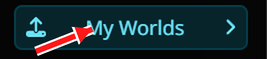
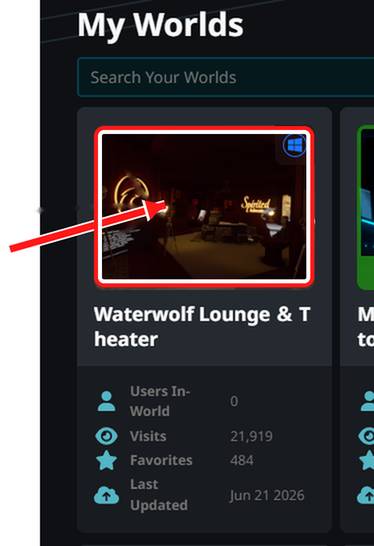
In a browser, go to the VRChat website, log in, then open My Worlds. Pick the world thumbnail for the world with your lounge TV, then choose Edit World Info.

Log in with Discord to send a website DM and keep replies in your inbox.
Add the WaterWolf domains to your VRChat world settings so the in-world video player can load the lounge stream correctly.
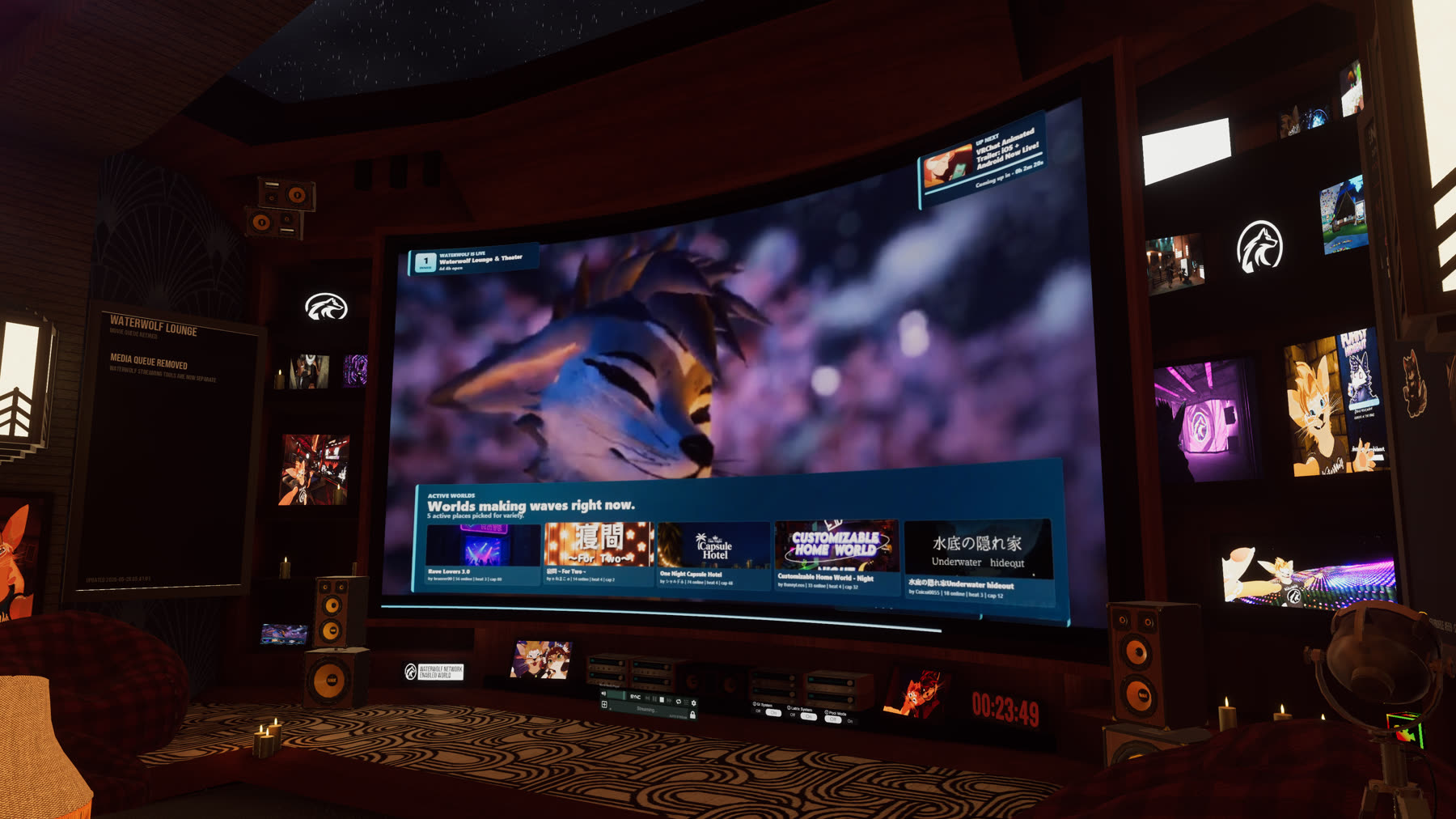
In a browser, go to the VRChat website, log in, then open My Worlds. Pick the world thumbnail for the world with your lounge TV, then choose Edit World Info.
Scroll down near the content settings. Look for the section named Video Player Allowed Domains.
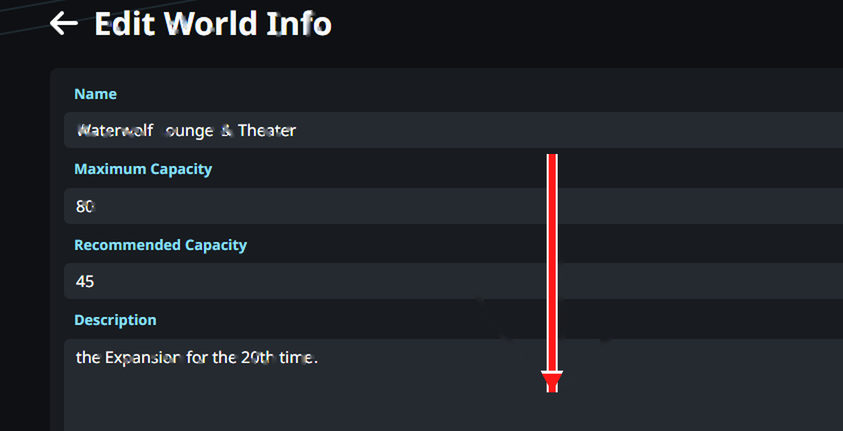
Add one domain per row. These are domains only, without https://,
paths, or extra spaces.

This step is optional. If you want the lounge TV to start on the WaterWolf stream, set your video player's default URL to this value:
This step is optional. If you want visitors to know the lounge stream is supported, place this badge somewhere near your screen, entrance, or credits wall.